


电子邮件自动化
电子邮件自动化提高了参与度、客户保留和销售效率。LiveAgent与180多个工具集成,以简化营销工作流程。自动化根据客户行为定制的电子邮件,并获得忠诚度和改进工作流程等好处。...
4 min read
Email automation
Marketing automation
+1

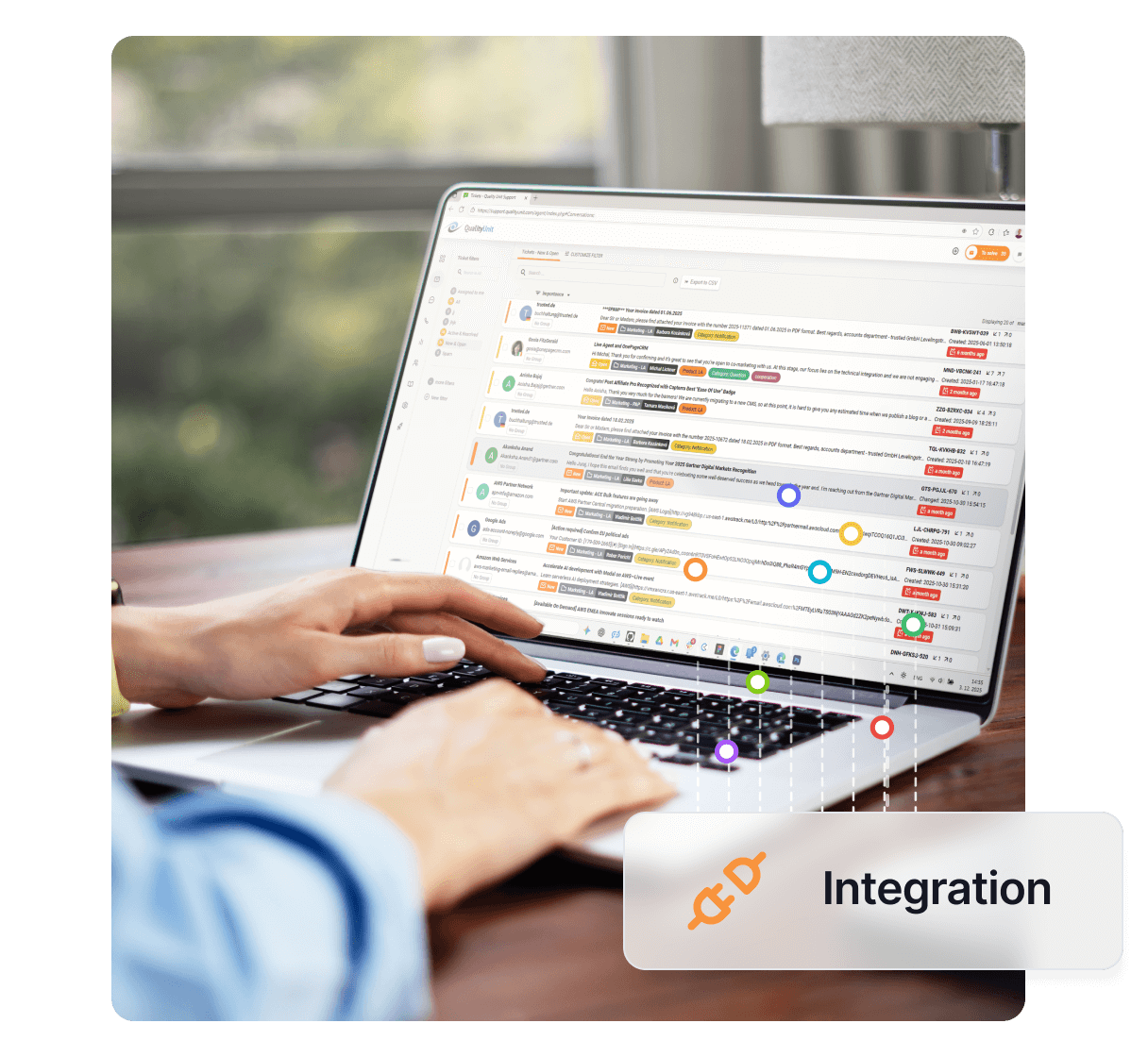
GetResponse是一个电子邮件营销服务,提供自动化和客户管理功能,与LiveAgent集成以实现无缝电子邮件活动。功能包括选择加入确认、网络研讨会和营销自动化。通过LiveAgent集成以实现高效的工作流程。
GetResponse是一个基于网络的电子邮件营销服务,允许您发送计划的电子邮件消息(称为顺序自动回复器)并在添加新潜在客户时自动化跟进流程。您可以在一个易于使用的界面中发送新闻通讯并轻松管理客户。自从Simon Grabowski在1998年推出以来,GetResponse一直是最受欢迎的自动回复服务之一。
通过GetResponse,您可以利用强大的功能,如电子邮件营销、营销自动化、网络研讨会等,以增强客户参与度并促进业务增长。

Start your free trial today and see results within days.
GetResponse是一个全面的电子邮件营销平台,旨在帮助企业自动化其营销活动并有效管理客户关系。该平台提供一系列工具和功能,使您能够:
直接在LiveAgent中开始将您的联系人添加到GetResponse电子邮件活动。为了避免发送垃圾邮件,订阅时会发送选择加入电子邮件。(订阅必须由联系人确认)。
集成过程很直接:
The latest tips and deals delivered straight to your inbox.
Marsellus Wallace先生是一个非常活跃和好奇的客户。您想让他随时了解有关LiveAgent的所有信息。通过激活GetResponse插件,您可以将他订阅到您当前的任何电子邮件活动。Wallace先生将获得选择加入电子邮件并确认其订阅。现在您可以开始通过GetResponse向他发送任何电子邮件内容。
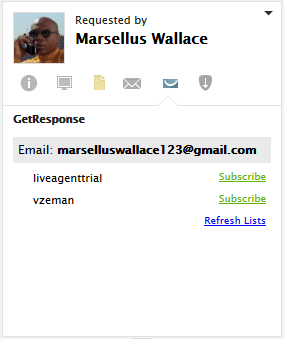
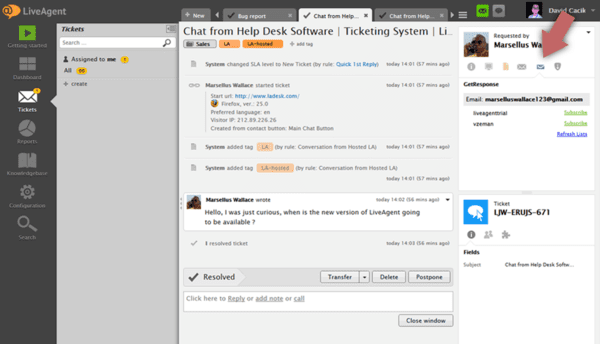
集成非常简单。如果您已有GetResponse账户,请按照以下步骤操作:
电子邮件自动化提高了参与度、客户保留和销售效率。LiveAgent与180多个工具集成,以简化营销工作流程。自动化根据客户行为定制的电子邮件,并获得忠诚度和改进工作流程等好处。...

通过 AWeber 与 LiveAgent 的无缝集成提升您的电子邮件营销。自动化活动、保留客户并轻松推动销售。可直接在 LiveAgent 仪表盘管理订阅者并跟踪活动。...
ActiveCampaign 与 LiveAgent 集成,可自动化营销、销售和支持流程。管理客户订阅、连接交易,并通过分段和个性化增强工作流程。免费试用,无任何附加条件。...
Join our community of happy clients and provide excellent customer support with LiveAgent.